Showing posts with label color palette. Show all posts
Showing posts with label color palette. Show all posts
Saturday, May 19, 2012


Tuesday, May 01, 2012

Monday, April 30, 2012
inspiration {photo to paint color}
How fun is this! With Sherwin-Williams new Chip It! button you can take any photo online and find out what paint colors they are. This is a great source for creating a theme for your home or room.
From this website you can put in the photo image location <URL> or use a toolbar button just like the <Pin it> buttons.

This is what it looks like when you go to chip a photo. I used a photo from my flickr set. You can select to have 5 colors or 10 colors. I think the only downside is not being able to select which colors you want from the photo. This app automatically chooses the colors for you.

Once you have saved the chip board you can click on each color and it will give you a lot of information about it. I chose
< Golden Rule >
From this screen you can click on Color Visualizer. Here you can upload a photo of an interior or exterior room and paint it using saved colors you have chosen.
Here is there Informational Video on how to do it. It's very in-depth, but the introduction part gives a general description of what it does.
The Sherwin-Williams website also has a few other color tricks up their sleeves, what a great find.
 |
| http://letschipit.com |

This is what it looks like when you go to chip a photo. I used a photo from my flickr set. You can select to have 5 colors or 10 colors. I think the only downside is not being able to select which colors you want from the photo. This app automatically chooses the colors for you.
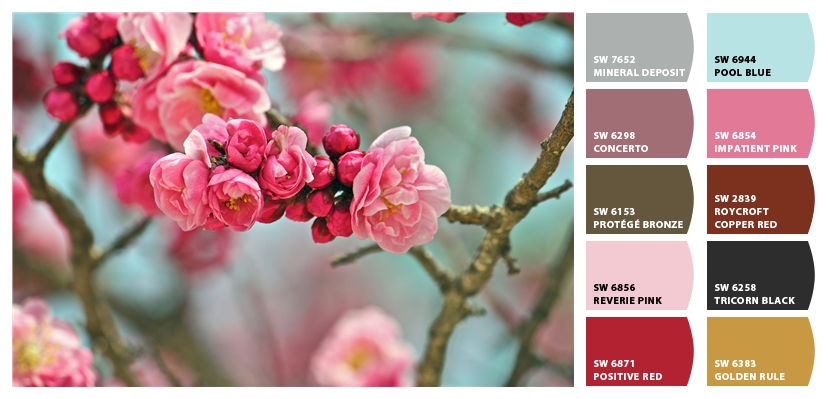
Once you have saved the chip board you can click on each color and it will give you a lot of information about it. I chose
< Golden Rule >
 |
 |
| https://www.sherwin-williams.com/visualizer/# |
The Sherwin-Williams website also has a few other color tricks up their sleeves, what a great find.
Thursday, April 19, 2012
Tuesday, April 17, 2012
Monday, April 16, 2012
Wednesday, April 11, 2012
color {blog palette}
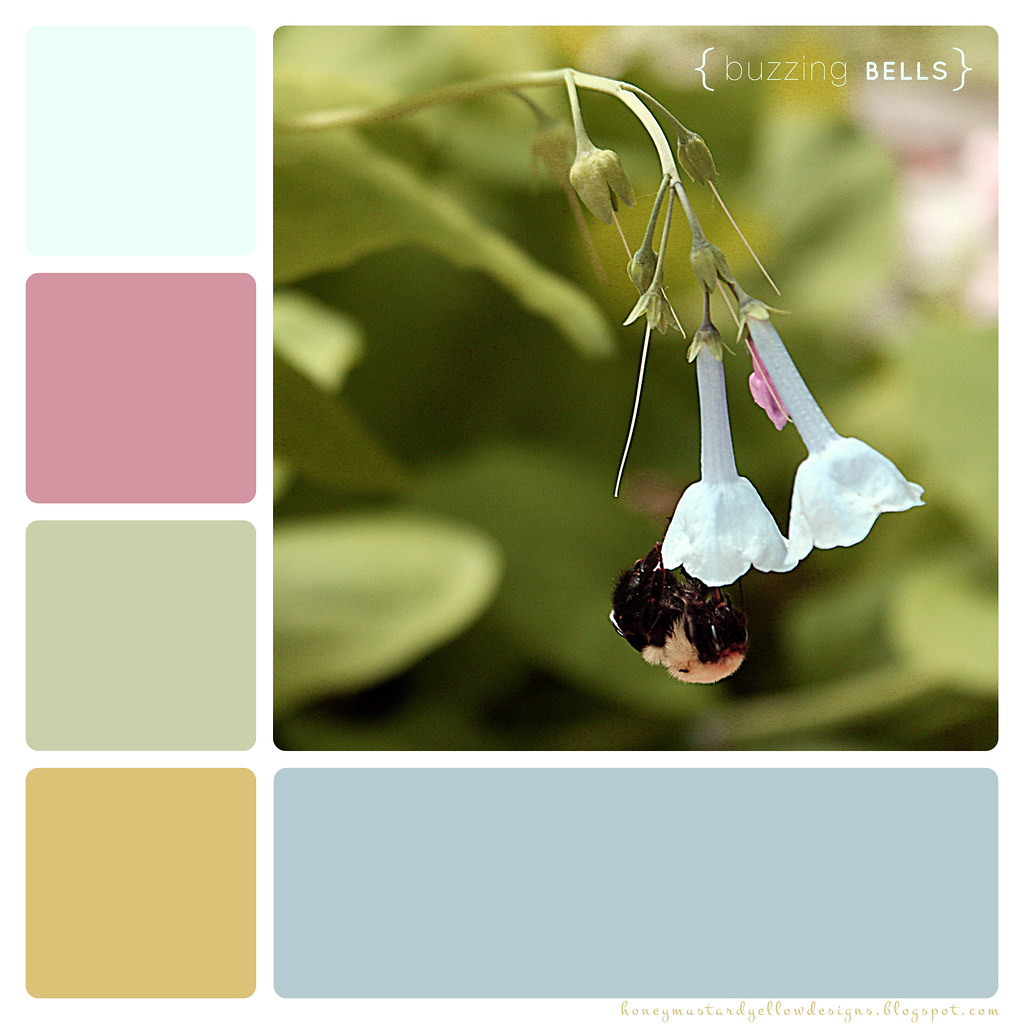
I've recently been updating my blog with tabs <or pages> and a colorful background. When I picked these colors I was going for a "sea green" to add to my honey mustard yellow. Unfortunately when I view it on Andrew's computer it looks plain blue. I'm not sure how to fix that without making the color look plain green on my own computer. But I wanted to make all the colors in my template from the same colors so I created a blog palette to work with.


Tuesday, April 10, 2012

Saturday, April 07, 2012

Wednesday, April 04, 2012

Friday, March 30, 2012
color theory {color palette}
Next I worked on creating color palettes. When starting I really wanted to know how to choose colors for designs. I knew most of these already but it really helped to lay it all out and see a more formulated way to choose.

I've also posted all of my color theory sheets on flickr if you would like to download them. Here are a list of my website links I used to gather my information:
Color Theory for Designer, Part I II & III
Basic Color Schemes - Introduction to Color Theory
Choosing a Monochromatic Color Palette in Photoshop
Color Tutorial
Color Theory, The Color Wheel & Color Schemes
Interactive Color Wheel

I've also posted all of my color theory sheets on flickr if you would like to download them. Here are a list of my website links I used to gather my information:
Color Theory for Designer, Part I II & III
Basic Color Schemes - Introduction to Color Theory
Choosing a Monochromatic Color Palette in Photoshop
Color Tutorial
Color Theory, The Color Wheel & Color Schemes
Interactive Color Wheel
color theory {color picker}
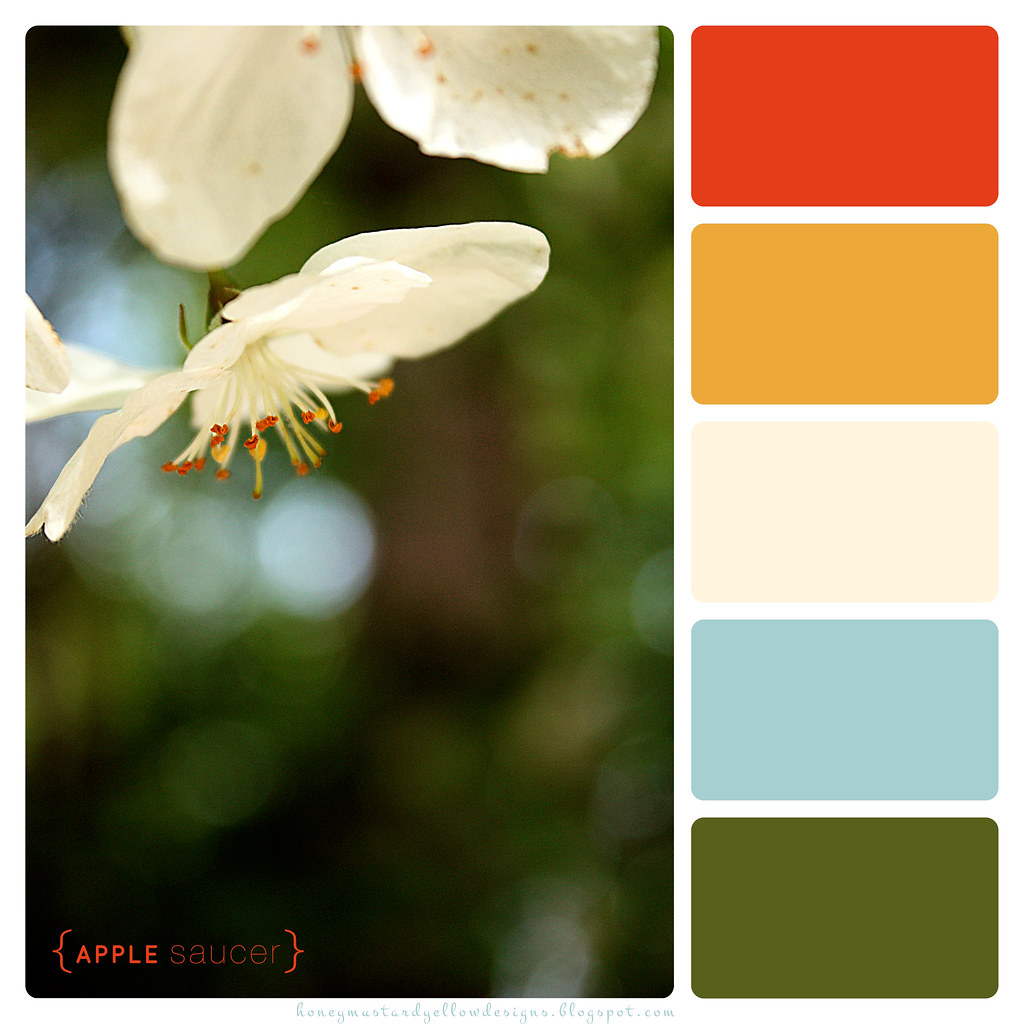
This was also one of my inspirations for the last two weeks. The website Design Seeds creates color palettes using photos that the designer buys from people. I always loved the colors and palettes that she puts together and I wanted to do the same thing, but with my own photos that I have taken. I have decided that I will add this to my weekly list of things to blog, along with a weekly project and inspiration post.
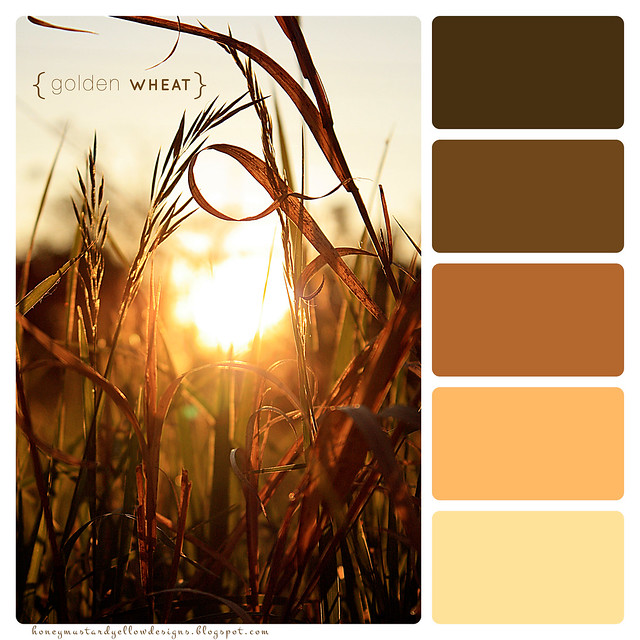
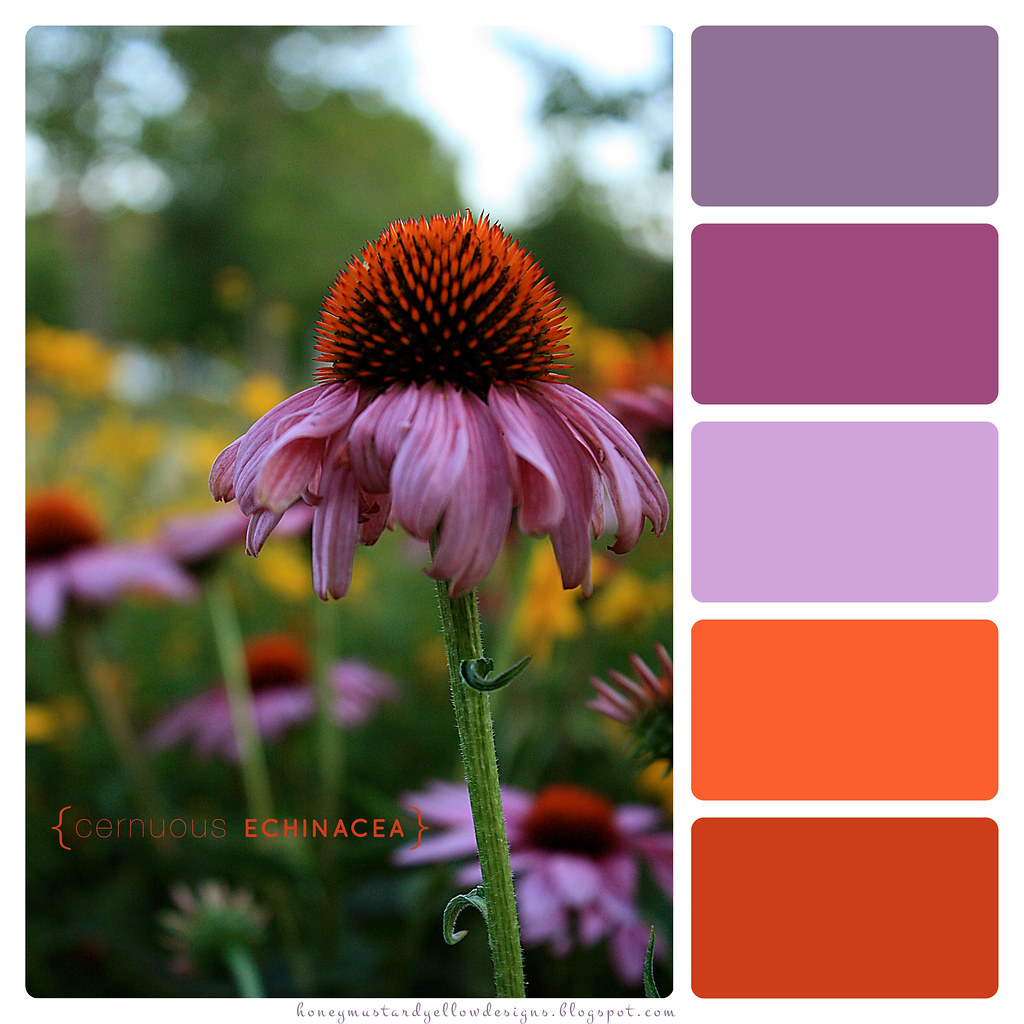
So here is how I did it. Using Photoshop I edited the photo and then put it in Illustrator where I used the eyedropper tool to select colors from the photo. Then looking at the HSB levels I chose 5 colors that would work well together in a color scheme. I was so excited about how it turned out that I quickly threw together a little icon using the colors and photo.

I've also posted all of my color theory sheets on flickr if you would like to download them. Here are a list of my website links I used to gather my information:
Color Theory for Designer, Part I II & III
Basic Color Schemes - Introduction to Color Theory
Choosing a Monochromatic Color Palette in Photoshop
Color Tutorial
Color Theory, The Color Wheel & Color Schemes
Interactive Color Wheel
So here is how I did it. Using Photoshop I edited the photo and then put it in Illustrator where I used the eyedropper tool to select colors from the photo. Then looking at the HSB levels I chose 5 colors that would work well together in a color scheme. I was so excited about how it turned out that I quickly threw together a little icon using the colors and photo.

I've also posted all of my color theory sheets on flickr if you would like to download them. Here are a list of my website links I used to gather my information:
Color Theory for Designer, Part I II & III
Basic Color Schemes - Introduction to Color Theory
Choosing a Monochromatic Color Palette in Photoshop
Color Tutorial
Color Theory, The Color Wheel & Color Schemes
Interactive Color Wheel
Subscribe to:
Posts (Atom)